Applications
Client portals, dashboards and integrations. Software shaped around your process.
The spreadsheet holding your business together, but as real software. Logins, data, roles and links to what you already use.
At some point it stops fitting. Planning in Excel, quotes in a folder, client details in a tool that knows nothing about either. Everyone retypes the same data in three places and nobody knows which one is the source of truth.
An application solves that. Whether it is a client portal where your customers see their own file, a dashboard with real-time figures from your systems, or an integration that finally makes your accounting and CRM talk: it is the same build, only a different front end.
Everything comes with logins, per-user permissions and a data model that matches how you actually work. Fixed price, fixed scope, and the code is in your name.
- Small and mid-sized businesses stuck on Excel or four separate tools
- B2B companies with recurring customers and a lot of documents
- Operational teams that need a real-time overview
Concrete deliverables,
no vague promises.
Applications in the real world
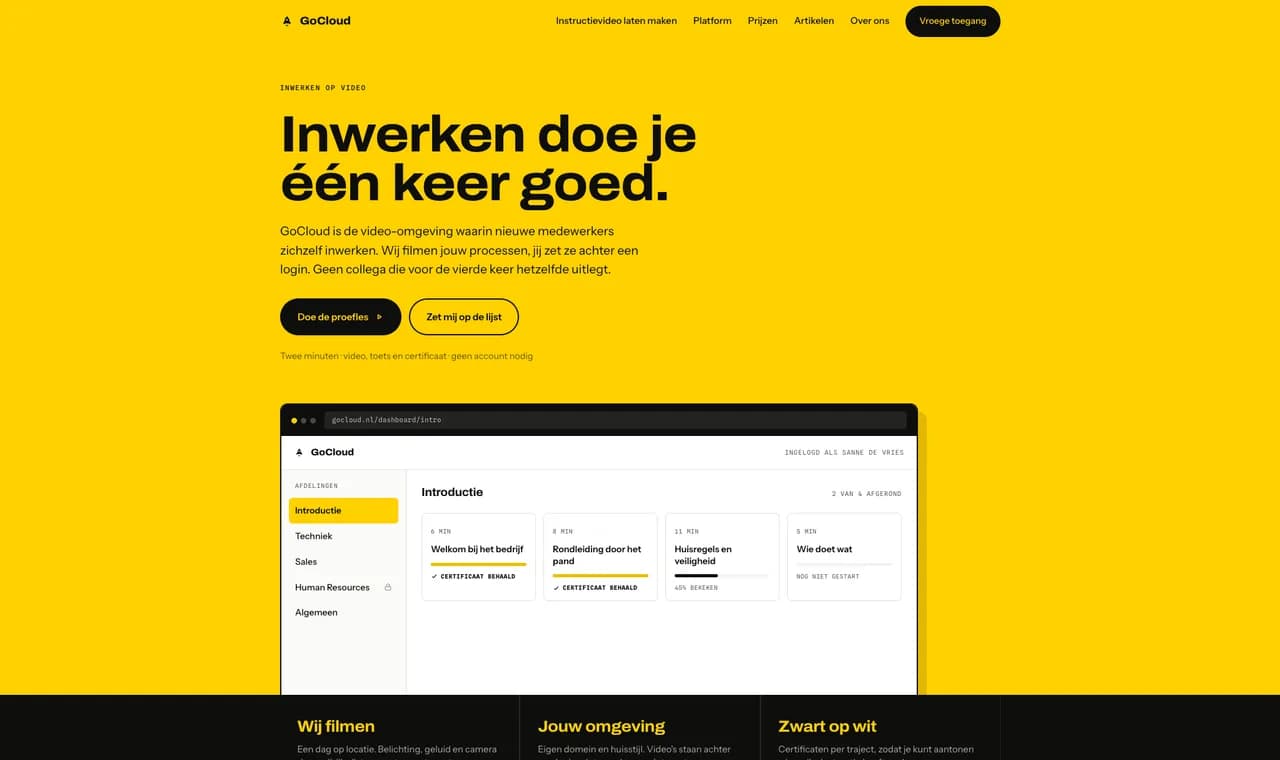
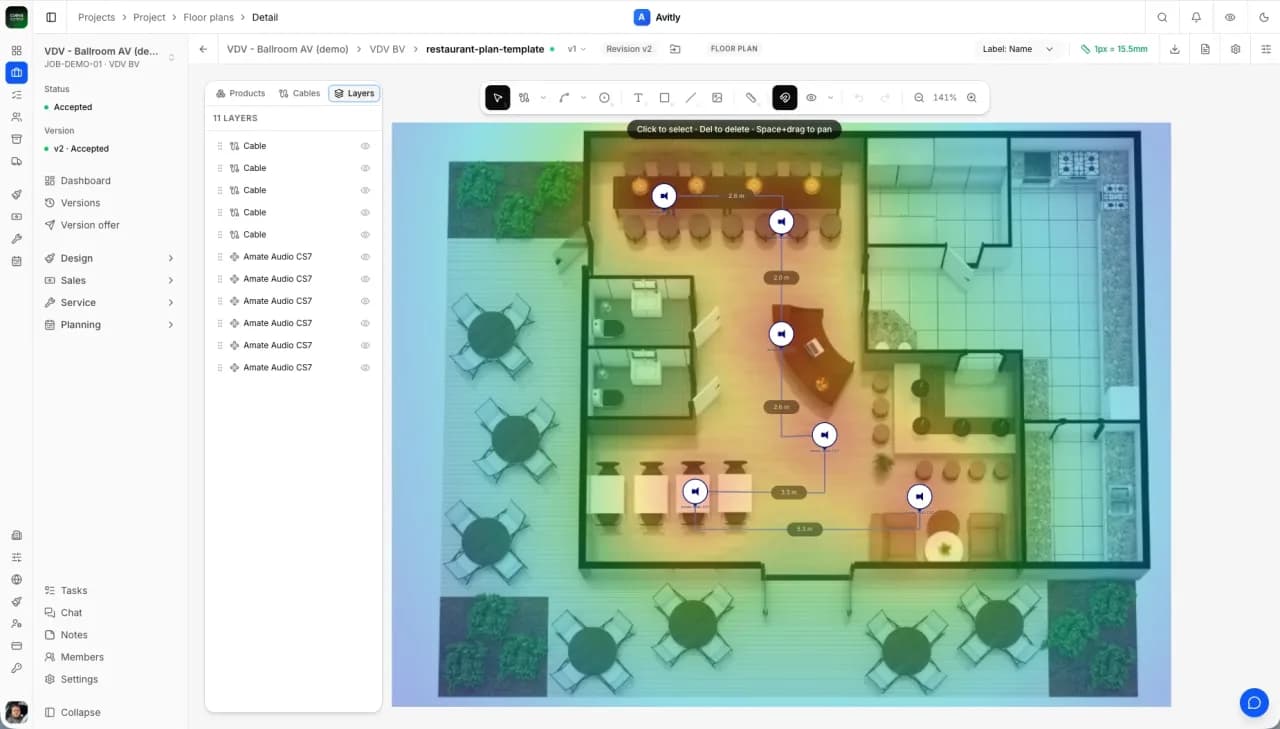
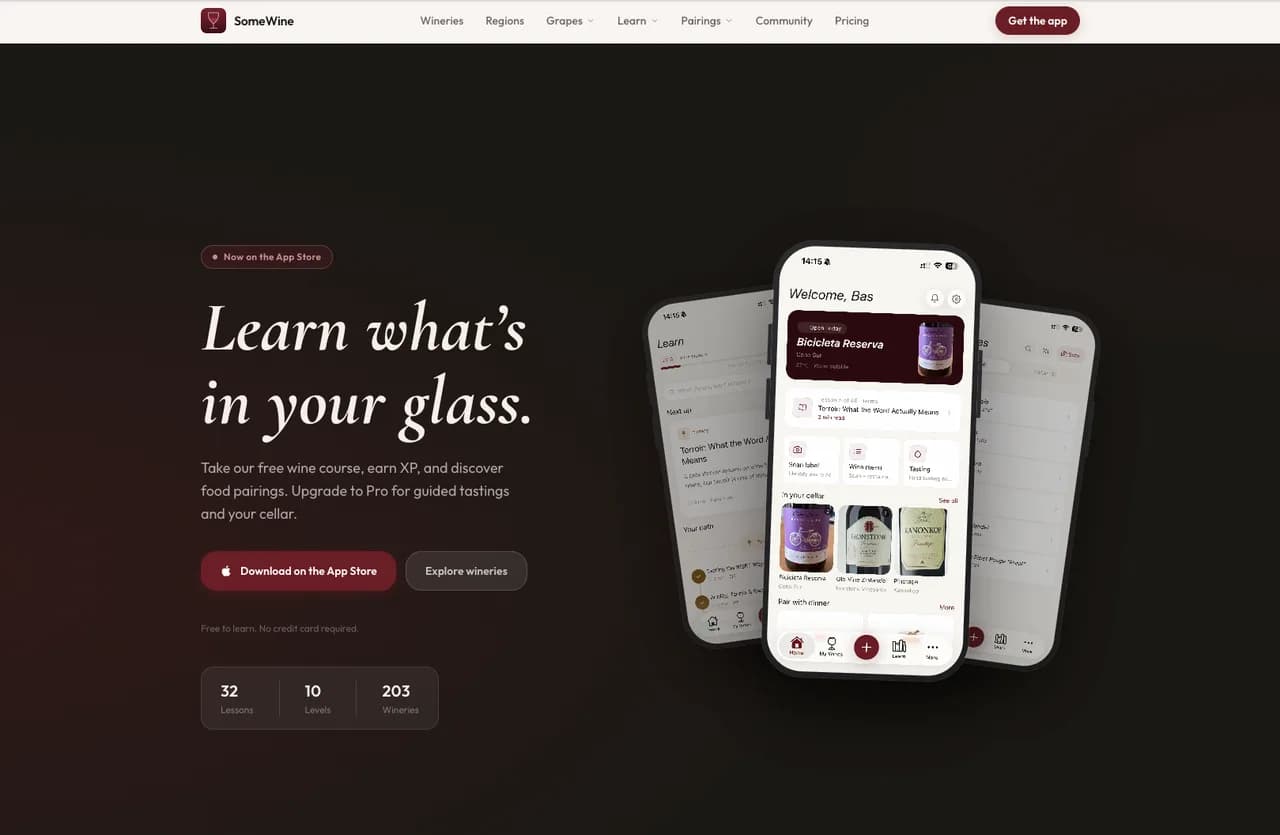
This is how roles and permissions work
Logging in is the easy part. The real work is that everyone sees exactly what they are allowed to see. Switch roles: same screen, different rows, different columns.
Logged in as the contact at Jansen BV. Sees only their own projects, and margin is not customer information.
| Project | Status | Revenue | Margin | Actions |
|---|---|---|---|---|
| JAJansen BVoffice refit | In progress | €42,500 | hidden for this role | |
| JAJansen BVmeeting room | Quoted | €8,900 | hidden for this role |
2 of 6 projects · margin hidden · read only
using ( customer_id = auth.uid() )The difference is not hidden buttons. That rule in the bottom right sits in the database itself, so a tampered request from the browser gets nothing extra back either.
Runs in your own browser. Nothing is stored or sent.
All demosWhat the track
looks like.
Map the process
Who does what, which data belongs where, where the manual work sits today. Half the scope usually comes out of this.
Screens & roles
You see the screens before a line of code exists, including who is allowed to see what.
Build with real data
Built against your own data, with a weekly demo. You follow along, not afterwards.
Pilot & rollout
First with a few users, then step by step to everyone. With a short walkthrough and documentation.
Frequently asked questions
about applications.
How safe is an environment where customers log in?
Can it connect to our current systems?
What if the scope changes along the way?
I started with an AI tool myself and got stuck. Can you take it over?
I also build
Tell me what you
want to build.
A half-hour call. You get an honest answer about what it costs, how long it takes and whether building it is smart at all.